
Written by Keisuke Unno — a graduate of Tokyo University of Foreign Studies (Persian Language).
Married to a non-Japanese partner, and host of the YouTube channel “Tabunka Gurashi 多文化ぐらし,” where he has interviewed dozens of international residents across Japan about their real lives here.
Not everyone can wait weeks for a fiber technician appointment. Short answer: a no construction home wifi Japan setup (a home router you plug in) can get you online within minutes of unboxing, works well for anyone who might move again within a year or two, but comes with real tradeoffs — weaker signal in concrete buildings, and data caps that “unlimited” plans don’t always advertise clearly. Here’s what to know before you buy one.
Why “No-Construction Wi-Fi” Appeals to Foreign Residents Specifically
Fiber generally requires building-level wiring and, in some cases, landlord approval for new installation — see our guide on whether you can install fiber in a Japanese rental apartment. Home routers (ホームルーター) sidestep this entirely by using mobile network signals instead of a physical cable, meaning setup is genuinely just “plug it in.” For anyone who might switch apartments within a year or two, or who simply doesn’t want to deal with landlord approval and installation scheduling, this flexibility matters more than raw maximum speed.
Home Router vs. Pocket Wi-Fi: What’s the Real Difference?
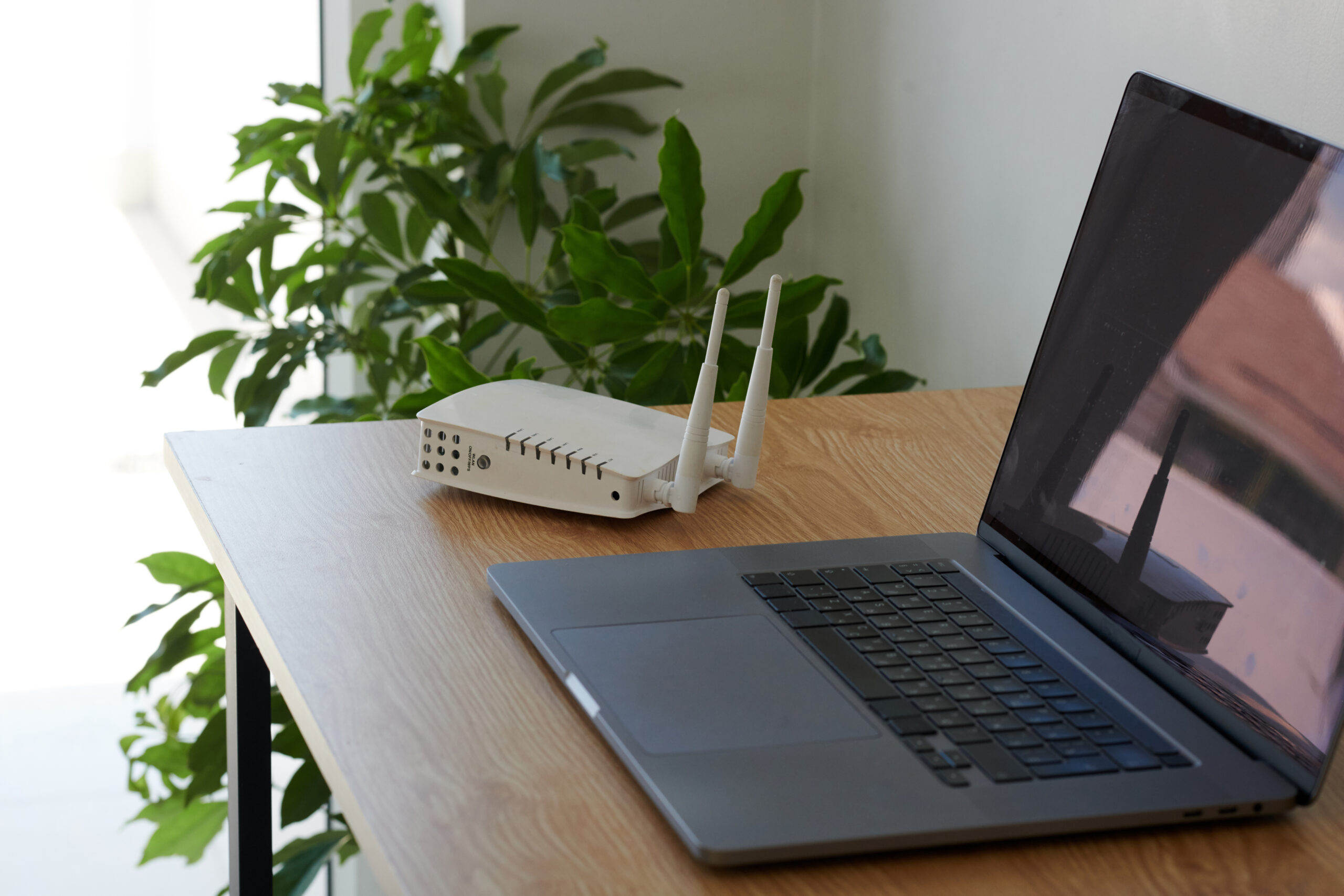
Home routers stay plugged into a wall outlet and are generally optimized for stronger, more stable in-home signal. Pocket Wi-Fi is portable but generally comes with stricter data caps and weaker in-building signal penetration. If you mostly work from home, the home router is generally the better fit — if you need connectivity on the move, pocket Wi-Fi is the more natural choice. See our comparison of pocket Wi-Fi and mobile SIMs for a fuller breakdown.
| Home Router | Pocket Wi-Fi | |
|---|---|---|
| Portability | Stays at home, plugged into an outlet | Battery-powered, carry it anywhere |
| Typical signal strength indoors | Generally stronger, designed for fixed in-home use | Generally weaker penetration through walls, especially concrete |
| Data allowance | Often marketed as unlimited, though usage-based throttling can still apply in certain modes | More commonly has an explicit monthly cap |
| Best suited for | Working from home, streaming, general household use | Commuting, travel, backup connectivity away from home |
Data Caps to Watch For
“Unlimited” in the advertisement doesn’t always mean unlimited in every situation. Many home router plans (commonly built on networks like WiMAX+5G) offer genuinely uncapped data in their standard mode, but also include a supplementary mode — often automatically or easily triggered in areas with weaker standard-network coverage — that comes with its own monthly cap, commonly around 30GB, beyond which speeds can be throttled. This distinction is often buried in the fine print rather than the headline “unlimited” marketing. Always check the specific fair-use policy and whether your plan includes this kind of supplementary mode, rather than relying on the word “unlimited” alone.
⚠️ Keep in Mind: If your connection suddenly feels slow, it’s worth checking whether your router has silently switched into a supplementary coverage mode with its own separate data cap — this is a common, easy-to-miss cause of unexpected throttling.
From Delivery to Connected: How Fast Is It Really?
In ideal conditions, a home router can be online within 5–10 minutes of unboxing — plug it in, follow the setup instructions, and connect your devices. In practice, actual signal strength varies considerably by building. Concrete apartment walls can significantly weaken reception, especially on lower floors or in interior rooms further from windows, so your personal experience may take longer to dial in than the marketing promise suggests.
Being Honest About the Downsides
- Signal can be inconsistent depending on your building’s structure and your unit’s location within it
- Speed usually can’t match true fiber for heavy uploads or latency-sensitive uses like competitive gaming
- Some plans throttle after a monthly data threshold, particularly when a supplementary coverage mode is triggered
The Bottom Line
If you need internet on day one and don’t want to commit to a long-term fiber contract or deal with construction/landlord approval, a no-construction home router is very likely your best option — just go in with realistic expectations about signal consistency, and check the specific data policy rather than trusting “unlimited” at face value.
For a wider look at fiber versus routers, see comparing fiber, home routers, and providers in Japan.
FAQ
Q: Is a home router as fast as fiber?
A: Generally not for peak speeds, though for everyday browsing, streaming, and video calls, many users find it perfectly workable. Heavy uploads or highly latency-sensitive uses are where the gap is most noticeable.
Q: Can I use a home router in any apartment?
A: Generally yes, since it doesn’t require building wiring or landlord approval — though actual signal strength still depends on your specific building’s structure and your coverage area.
Q: Should I choose a home router or pocket Wi-Fi?
A: If you’re primarily using internet at home, a home router generally offers stronger, more stable indoor signal. If you need connectivity while moving around, pocket Wi-Fi is generally the better fit — see our comparison of pocket Wi-Fi and mobile SIMs.
Your No-Construction Wi-Fi Checklist
- Confirmed the plan’s actual data policy, including whether a supplementary coverage mode with its own cap applies
- Set realistic expectations about setup time and signal strength for your specific building
- Compared home router vs. pocket Wi-Fi based on whether you need it fixed at home or portable
- Checked the contract length and any early cancellation terms before committing
Stay Updated with ILSA Hub
Life in Japan comes with a lot of small questions — and the official ILSA Hub LINE account is where we help, especially with housing and everyday life.
- 🏠 Our Main Focus: Most of what we share is about housing and daily life in Japan — apartment hunting, contracts, and practical living tips.
- 💬 Ask Us Anything: Send us your questions about our articles, and we’ll help guide you using site-based information.
- ⏰ Never Miss a Deadline: Set an automated reminder right on LINE — just type “set reminder,” tell it what and when, and our system will notify you automatically as the date approaches (like 30 and 7 days before). Handy for things like visa renewals (up to 90 days’ notice) or lease renewal deadlines. Your dates are kept private and never shared outside ILSA Hub.
Scan or Click to Join:
👉 Tap Here to Add ILSA Hub on LINE

Disclaimer: ILSA Hub is an informational platform. We do not act as a licensed real estate agency, financial institution, medical provider, recruitment agency, or emergency service, and do not provide immigration, visa, or legal services. We are not a substitute for advice from a qualified administrative scrivener (行政書士) or attorney. We do not provide legal, medical, financial, or professional advice specific to your situation. Our responses on LINE are based solely on general guidelines provided on our website. For emergencies, always follow official government guidance.